A work.
A record.
A history you can check.
A brass stamper begins in the workshop. Its story becomes a signed digital record, with a fingerprint published in Sigstore’s Rekor log.
Physical marks connect the work. Cryptographic proofs protect the record.
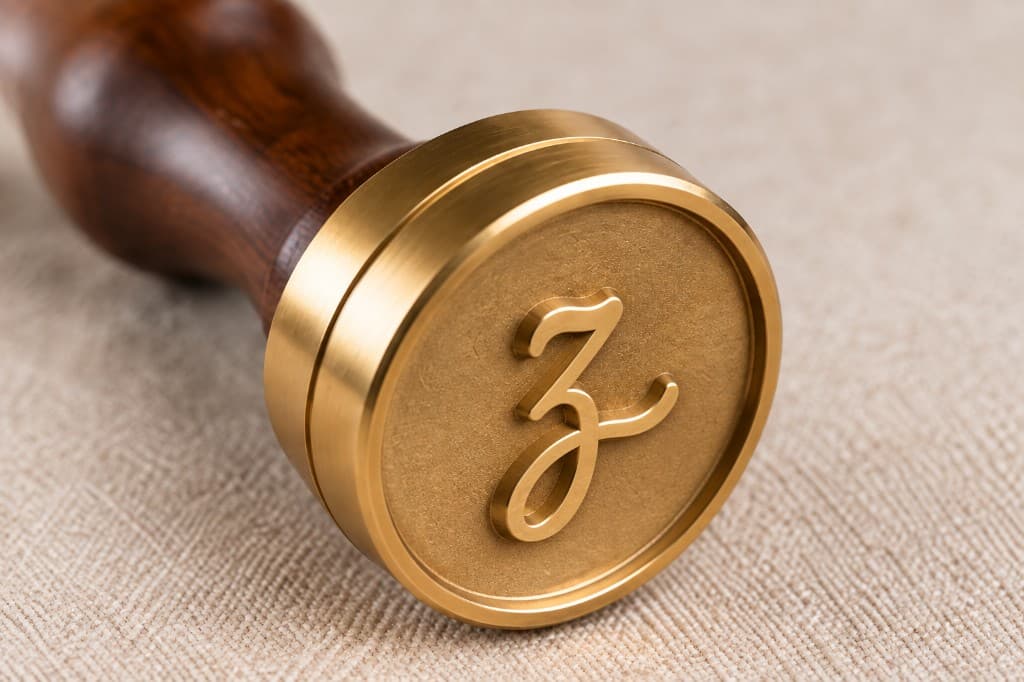
Brass Stamper
SW-2026-603973
From the workshop
into public history.
Eight steps, each doing a different job. Select a step to see what it adds.
One work. One identity.
01 / 08A permanent serial connects the brass stamper to its workshop record. A numbered seal, NFC chip, and QR mark help link the physical work to that identity.
A QR lookup opens the record. A supported live NFC check can provide stronger evidence that the paired chip is present.
Change one detail.
See the evidence change.
A tiny edit changes the fingerprint. The signature made for the original record stops matching.
Original fingerprint · kept for comparison
Preparing the demonstration…Fingerprint of the record above
Preparing the demonstration…Preparing a demonstration signature…
This demo computes real SHA-256 hashes and an ECDSA signature in your browser, using a temporary demonstration key. It does not use Sunlit’s signing key, change a workshop record, or publish anything to Rekor. The sample is simplified, so its hash differs from the production record.
Each proof answers
a different question.
A valid digital record is one part of provenance. To connect it to the work in your hands, match the physical seal and use the available tag checks.
Explore a real Sunlit workshop record ↗Yenta Girl Canvas Print · SW-2026-257068
Physical marks & the serial
The serial identifies a work in Sunlit’s records. A QR mark opens the associated page; it can be copied. Match the numbered security seal, inspect its placement, and use a supported live NFC check for stronger evidence of the paired chip’s presence. These checks support the physical connection; Rekor alone cannot prove the object.
SHA-256: are these the same bytes?
A fingerprint changes when the file’s bytes change—even a space matters. The provenance.json file and certificate PDF are different files with different fingerprints. In this illustrated workflow, Rekor records the provenance record’s fingerprint.
Signature: which key signed this record?
Verification checks the signature against the record and the signer’s public key. Trust also requires checking the certificate chain and expected signer. The illustrated Sunlit chain is Sunlit Bytes Document CA 1 → Sunlit Bytes COA Signer 1, using ECDSA P-256. It uses Sunlit’s own certificate authority, rather than Fulcio keyless signing.
Timestamp: when did the evidence exist?
Where supplied, a valid RFC 3161 timestamp gives a separate authority’s evidence that the timestamped cryptographic value existed by a stated time. It is distinct from proof that an entry was included in a transparency log.
Rekor: was the signing evidence publicly logged?
Rekor records signing evidence in an append-only Merkle log. An inclusion proof connects the entry to a root in a signed checkpoint. Auditing and consistency checks help detect rewritten or conflicting log histories. A new signed version can be added; it does not erase the earlier entry.
Independent verification: what should I keep?
Keep the exact record, signature, signer certificate and trust chain, Rekor entry, inclusion proof, signed checkpoint, and any timestamp evidence. A verifier checks the bytes, signature, expected signer, log proof, and trusted keys. A valid signature is evidence of an attestation—not a guarantee that every claim about a physical work is true.
“The history grows;Keep the two-sided print guide ↓
nothing earlier is erased.”
Sunlit Workshop · Real objects. Verifiable history.
An illustrated guide to provenance. The interactive demo is not a live verification.